We orchestrate the most demanding transport operations.
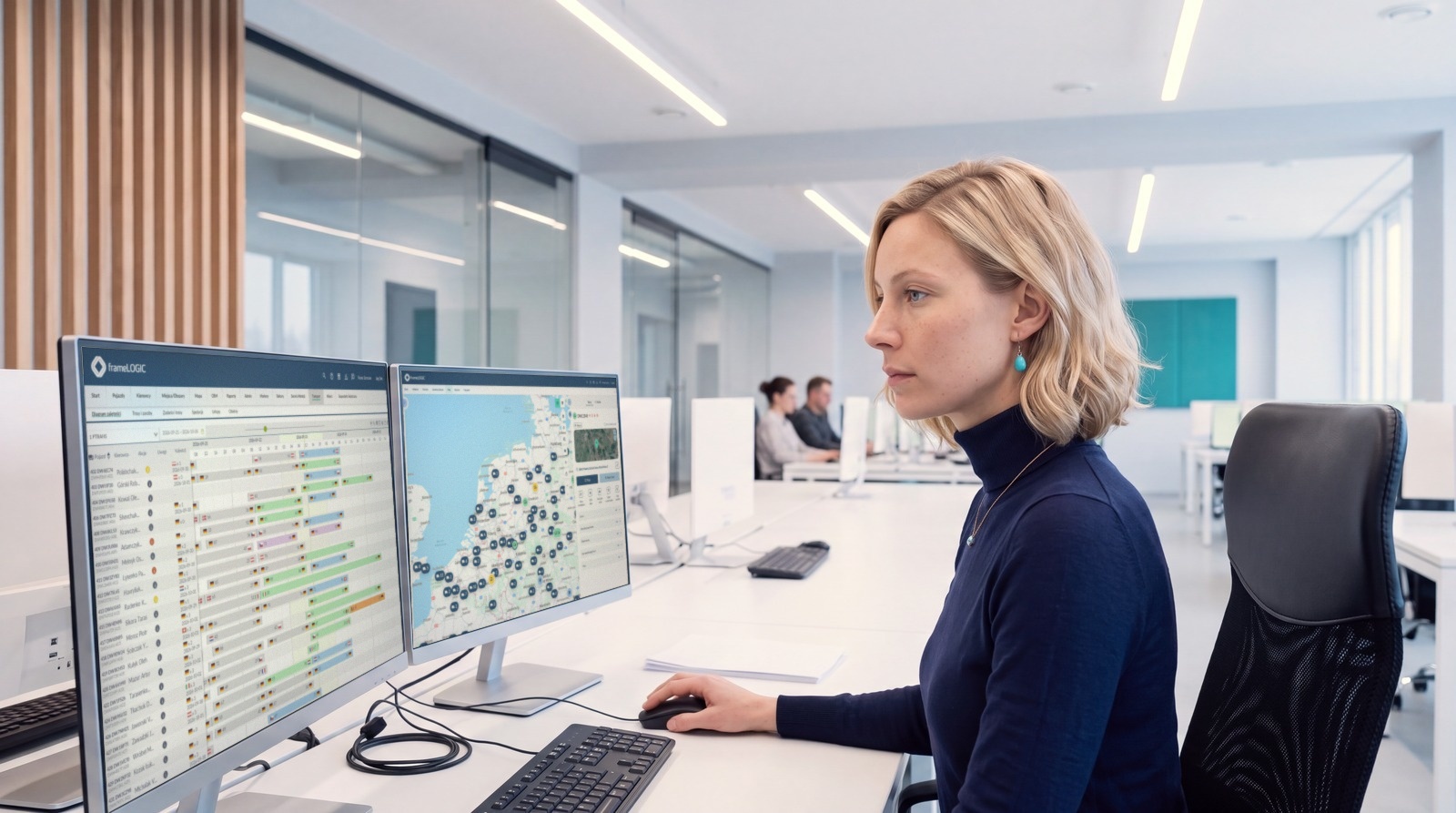
Vehicles, assets and crews report to one dispatch desk. Every order and every task carries a vehicle and a driver. The complicated, practical side of running transport becomes something you can hold in one place.
The chaos is not in any one system. It is between them.
Every tool in the yard does its job. None of them hands the data on. What gets lost in the gaps is not just time. It is the mileage nobody billed, the document nobody attached and the trip nobody costed.

Orchestrating your most demanding workflows.
A real working day does not run one order, it runs the whole board at once. Then a border queue closes a motorway and the orders behind it are late, and their loads, their slots and their invoices with them. The system re-plans while the trucks roll: another vehicle, a shifted slot, a corrected ETA. The dispatcher approves the exceptions, and nobody rebuilds the day by hand.
See how planning works
Three connections everything else rests on
- 01
Vehicles and assets meet the dispatch desk
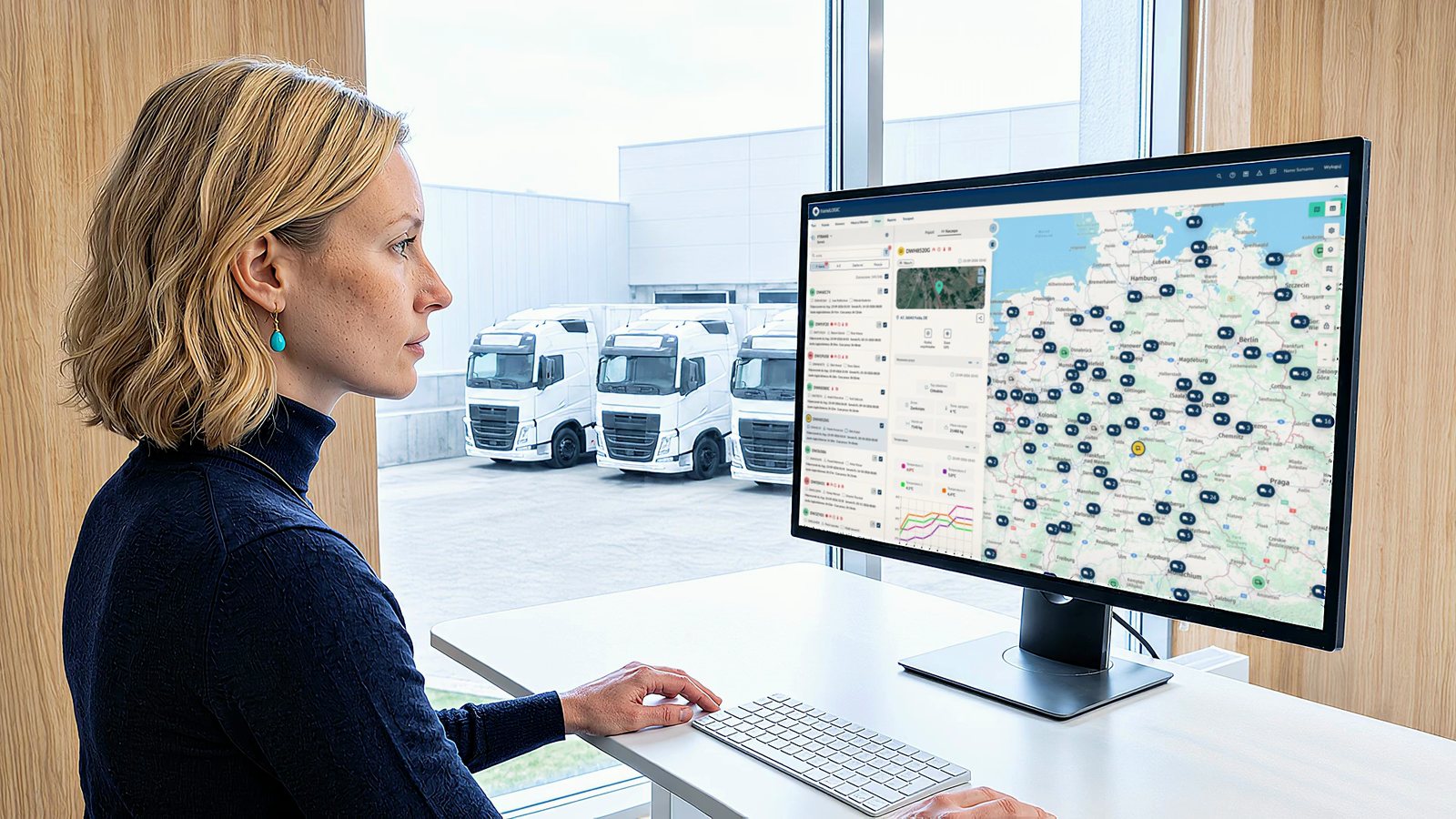
Trucks, vans, trailers, machinery and equipment with no power of its own all report into the same screen the dispatcher works on. One map, one availability view, one answer to where things are.
- 02
Every order carries a vehicle and a driver
An order or a field task is not a row in a spreadsheet. It is paired with a specific vehicle and a specific person, and it stays attached to both through execution, evidence and settlement.
- 03
The result comes back as a number
Cost of ownership against the vehicle, profitability against the freight, working time against the driver. The record that ran the job is the record the report is built from.
One connected system across seven areas of work.
Orchestration is not an idea about software. It shows up as a different working day in specific places, and each of them has a page that explains how.
-
Dispatch
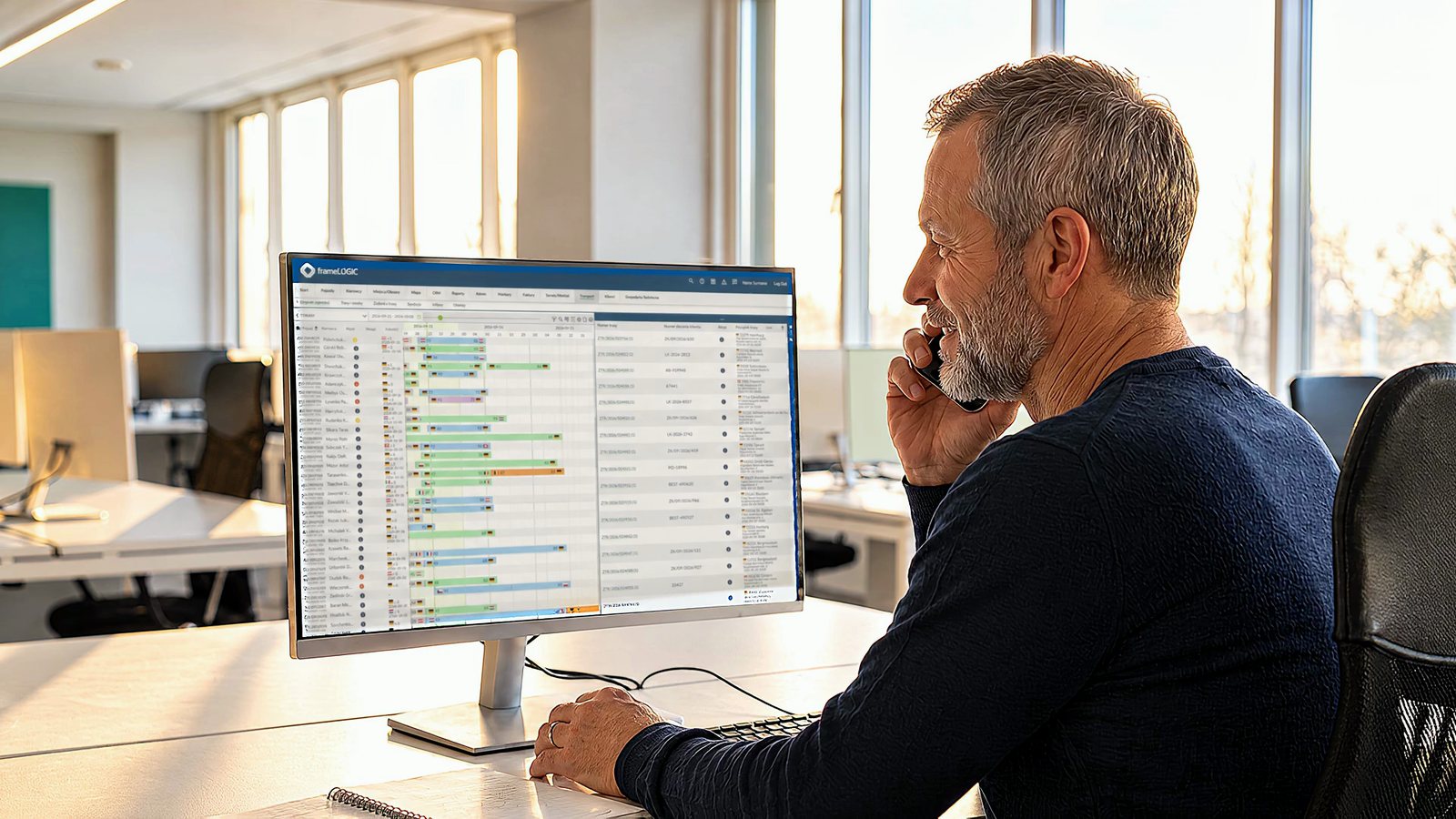
Dispatchers place orders on an interactive timeline and assign a vehicle, a trailer and a driver by drag and drop. The AutoPlanner compares vehicle-route options, and the ETA accounts for driving and rest limits. The plan reflects what the driver can actually complete, not what looks shortest on the map.
Route planning -
Fuel
The system measures fuel in the tank rather than estimating it, matches refuelling against fuel-card transactions and shows how driving style affects consumption. You can see where the fuel cost comes from and what needs checking.
Fuel costs -
Total cost of ownership
Financing, insurance, servicing, parts and fuel gathered against the vehicle they belong to. Replacing a truck becomes an evidence question: which makes and models actually cost less to own.
Reports and analytics -
Billing and freight profitability
Invoices are generated automatically from completed transport orders, including consolidated invoices covering multiple orders. Freight profitability is calculated from the same data that management reporting uses.
Transport settlement -
Documents
Drivers scan CMRs, invoices and photos on the in-cab terminal and send them straight to the office, so paperwork arrives the day it is signed instead of riding home in a door pocket.
Driver app -
HR and payroll
The system monitors driving and rest time under Regulation (EC) No 561/2006, records border crossings automatically and calculates wages and per diems under the local rules introduced by the Mobility Package. The data passes to payroll and accounting through an integration, with nothing retyped along the way.
Compliance -
Safety and driver training
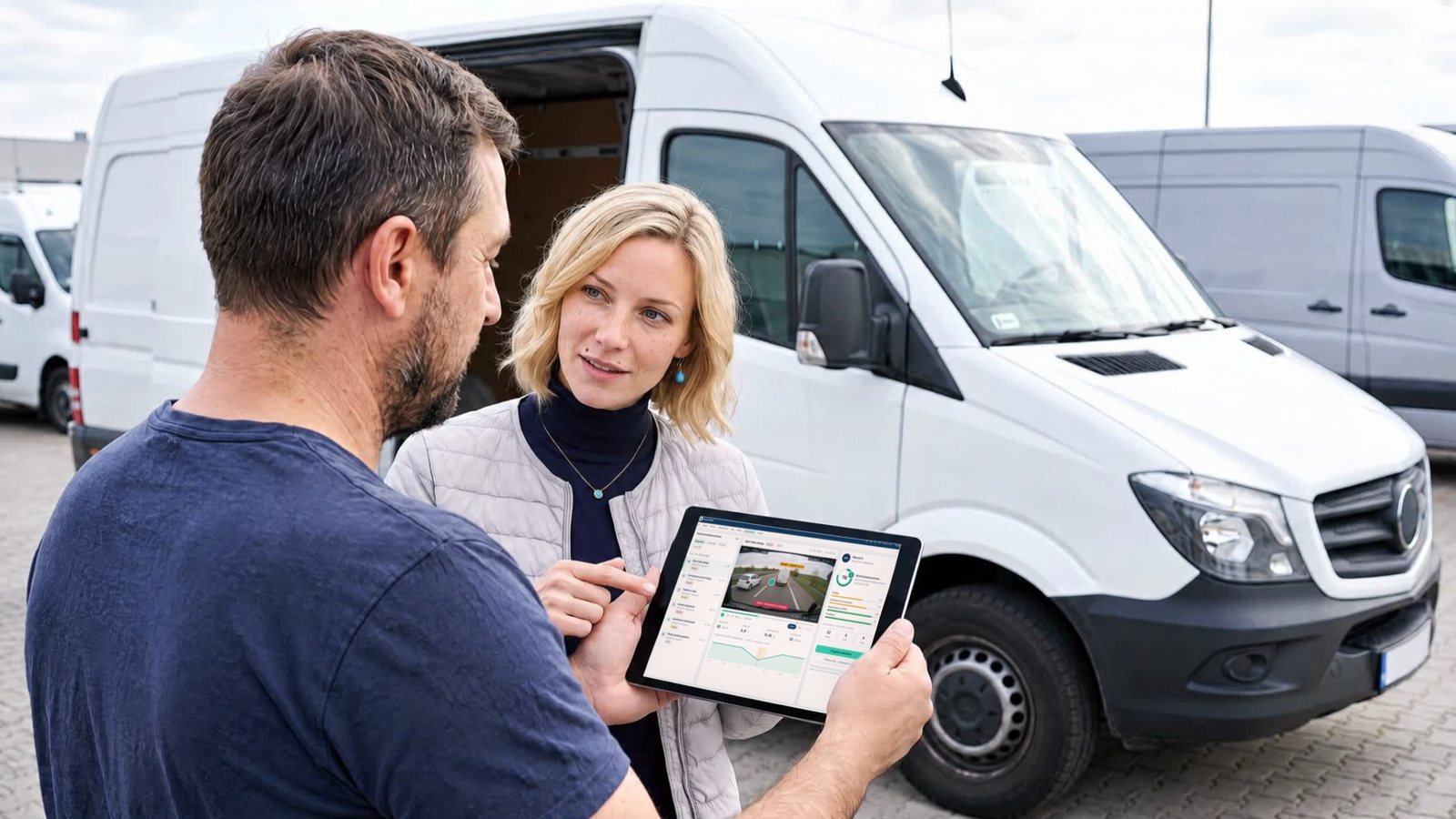
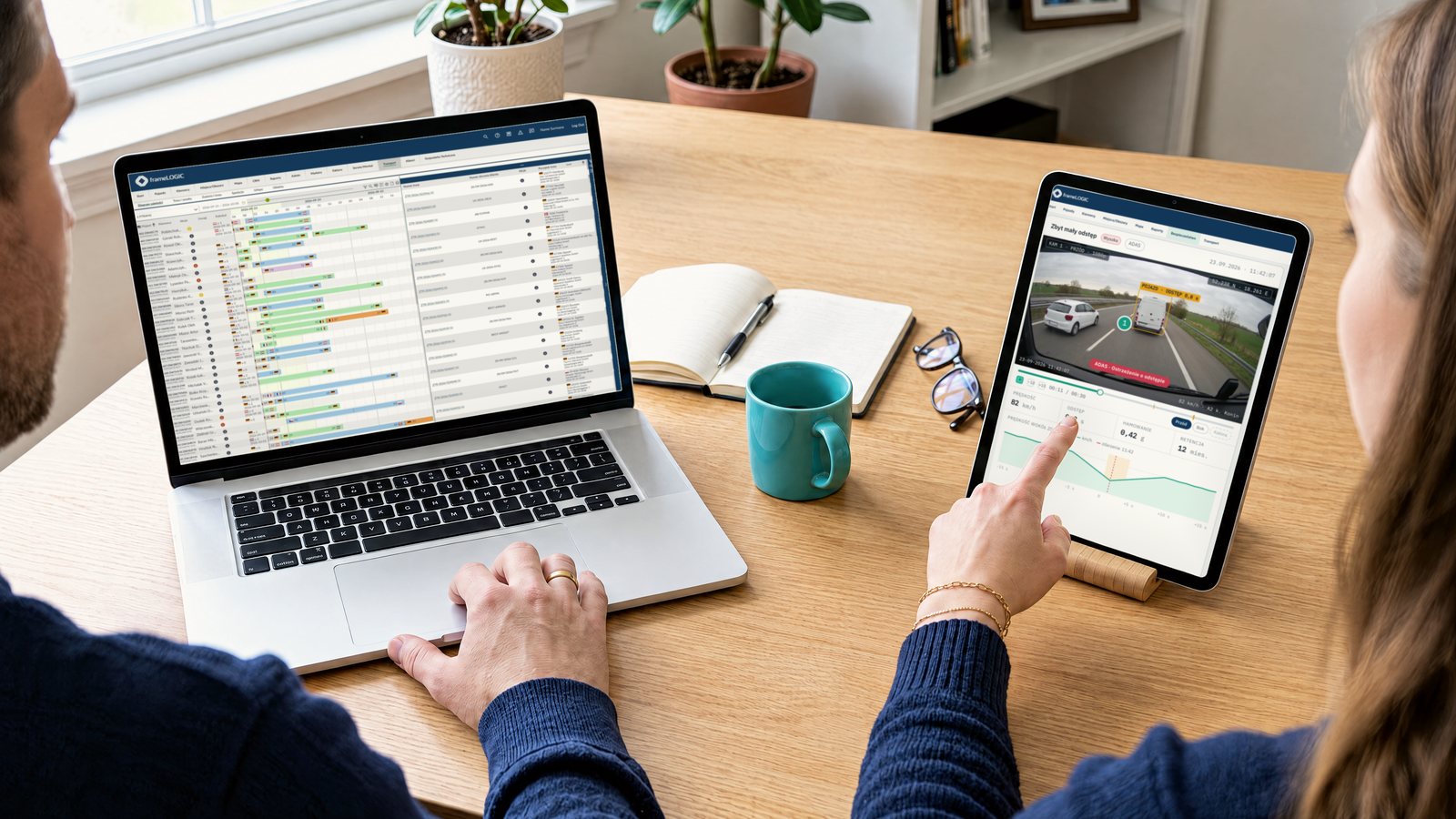
Video and driver-behaviour data are recorded when an incident occurs, while ADAS and DMS warn the driver before the incident happens. Safety scores identify the behaviours that increase risk, so training can focus on the relevant drivers and habits.
Video telematics
Vehicles, drivers and orders in one system.
The whole transport process runs in one place: vehicles, drivers, orders and everything connected with them. One system instead of several that have to be held together by hand.
See the fleet management systemFleets adapt to the business. We adapted the system to fleets.
We run general fleets, and we specialise in the ones that need metering: mounted equipment, machinery, tankers, controlled temperature, crews that carry their tools with them. Special cases are the normal working week here, not an exception the system has to be talked into.
-
Transport and logistics
Order → route → execution → invoice. Route and fuel cost, freight profitability, tachograph and drivers' hours, video as evidence from an incident. General cargo, cold chain, silos and tankers, bulk, ADR.
Explore transport -
Public sector and utilities
Task → resources → execution → report. Crew and mounted equipment assigned to the task, working hours of the crane or pump recorded, costs split by cost centre, report ready for audit.
Explore utilities -
Construction
Contract → equipment on site → work → settlement. Machinery located across sites, engine hours against idling, equipment cost charged to the contract that consumed it.
Explore construction -
Service fleets
Job → travel → work on site → settlement. The nearest free crew on the map, an electronic mileage log, fuel card transactions checked against where the vehicle actually stood.
Explore service fleets
The modules underneath
The questions that come up first.
- 01
Do we have to replace every tool at once?
No. Modules go in one at a time and connect to each other, and whatever stays on your side we connect through integrations. Starting with one area does not close the door on the rest.
- 02
What does the system do on its own, and what stays with people?
The system calculates, proposes and watches deadlines. The decisions stay with people: the AutoPlanner proposes vehicle assignments and the dispatcher approves them; the system prepares the invoice and finance decides when it goes out.
- 03
Does this work for a mixed fleet?
Yes. The same process handles trucks, vans, cars, machinery and specialist equipment, and an asset with no device of its own still exists in the system as a record with documents, inspections and deadlines.
Show more Show fewer
- 04
What is the difference between telematics and a TMS?
An FMS controls the vehicles: monitoring, drivers and running costs. A TMS moves the transport process itself into one system: order planning, execution, invoicing and compliance. frameLOGIC runs both on a single platform, so order data and vehicle data reconcile without exports.
- 05
Who is behind frameLOGIC?
The AddSecure Group, with experience in secure connectivity and fleet operations across multiple markets.