
Transport planning without the empty kilometres.
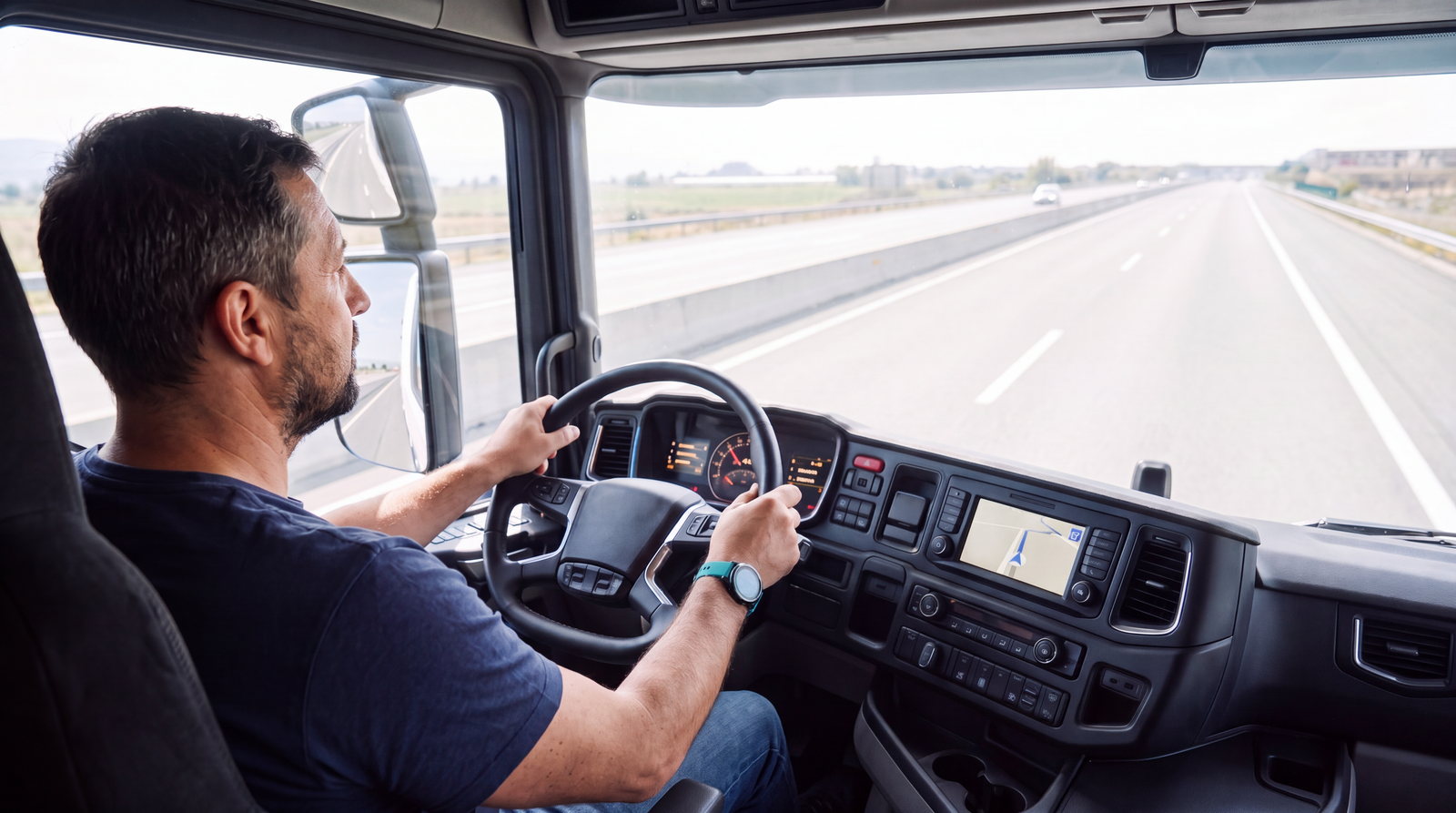
In the planner you match vehicles to loads so that they run empty as little as possible. Finished routes go straight to the driver's navigation as a route corridor. The truck follows the route calculated in the planner, and you know at once if it leaves it or its ETA changes.
ETA that respects driving-time limits, not just the map.
frameLOGIC calculates the ETA from the driver's driving and rest limits, refuelling, loading and unloading. On the road it updates it from the vehicle position, remaining driving time and traffic.
Move the sliders. The TMS takes working time live from the tachograph, predicts the 45-minute break and the daily rest, and accounts for traffic.

Assumptions: 70 km/h average, departure on Monday at 08:00, breaks and rests under Regulation (EC) 561/2006.
The truck runs exactly to your plan.
The approved route goes to the HGV navigation on the mobile terminal, together with POIs. From then on the system compares the actual journey with the plan, in which tolls and journey time are already calculated.
- Leaving the corridor: an alert when the vehicle leaves the corridor and when it returns
- Risk of delay: the system suggests alternatives and recalculates the ETA
- Status from the cab: loading, unloading and stops update the arrival time for the customer
- Exceptions: a vehicle change, double-manned driving or damage is reported by the driver in the app, without a call to the office
Route planning tools built for dispatch work
-
AI AutoPlanner
Weighs every vehicle-route combination at once, analysing tens of thousands of approach variants. The output is a proposal. Nothing goes into execution until a dispatcher approves it.
-
Three optimisation models
Plan for highest profit (amount), highest margin (% of freight), or shortest distance, and the model is chosen per planning run.
-
Five planning modes
“All with all”, “back to the base”, “move the fleet”, “find the truck”, and “most important customer” cover the typical dispatch scenarios.
-
Full cost picture
Approach distance and cost, road tolls, additional procedures, and overheads enter every calculation, with a financial forecast per route and overall.
-
Return-load search
Filter vehicles by availability, end location of current work, and date to pair return orders and cut empty runs.
-
Mid-route changes
Vehicle, trailer, and driver swaps, trailer and load deposits, with occupancy control on vehicles, trailers, and drivers during every modification.
What this looks like in the system
Planner: occupancy diagram with every vehicle's routes on a timeline, driver and cabotage on each row, and the route list with the customer's order number.
100 trucks and 100 loads make more possible plans than there are atoms in the universe.
- 01AnalyseTens of thousands of possible approach routes, with working time and availability.
- 02ProposeThe best assignments, with the least empty running.
- 03ApproveNo plan goes into execution without the dispatcher's approval.

Frequently asked questions
- 01
How does dynamic route planning work during execution?
Routes in progress stay editable on the timeline: dispatchers combine additional orders into a running route, handle approach and return legs, and record vehicle, trailer, or driver changes. The system controls resource occupancy during each modification and raises alerts when a contractor exceeds its credit limit or a carrier's documents approach expiry.
- 02
What does the AI AutoPlanner optimise in route planning?
The AutoPlanner proposes vehicle-to-load assignments, considering all vehicles and all routes at once. The decision stays with the dispatcher, who approves the result. It weighs approach cost and distance, road tolls, additional procedures, and overheads, checks that pickup is feasible within driver working time, then forecasts the financial result for the whole plan and for each route, so low-profit routes can be rejected before dispatch.
- 03
How is ETA calculated in road transport?
frameLOGIC calculates ETA from what actually shapes a truck's day: drivers' hours and rest for solo driving or multi-manning, refuelling, loading, unloading and customs clearance. At the planning stage the system checks that the route fits the promised window and schedules the breaks. On the road it updates ETA from the vehicle's position, remaining driving time and traffic, including after a change of vehicle or driver. Customers get a reliable unloading time even on multi-stop orders, and dispatchers are alerted to deviations.
- 04
What happens when a route starts running late?
The system does not wait for the driver to call. A deviation from the assigned route corridor raises an alert in the platform and in the app, and when a corridor is at risk of delay it suggests alternatives. ETA is recalculated in parallel, so the dispatcher sees the new arrival time and can warn the customer before being asked. Notifications about required breaks and driving limits (EU 561/2006) make sure that making up time does not come at the cost of regulatory compliance.
- 05
Can the module manage subcontracted orders?
Yes. Forwarded routes are defined and tracked alongside your own fleet: the timeline shows how subcontractors are progressing, transport order documents print straight from the system, and carrier settlements are recorded against each job.