A transport management system from order to invoice.
frameLOGIC TMS takes an order from intake through planning and execution to the invoice, in one cloud application. No spreadsheets, no retyping data between applications.
Less retyping, a plan that holds, and full control of costs.
-
Data entered once
The same order moves from intake through plan and execution to the invoice. Nobody types it in twice.
Transport settlement -
Profitability before you commit
Before you accept an order, the system estimates its cost, including fuel and road tolls.
Order book -
A plan that can be carried out
The planner only shows available drivers and vehicles, with working time, service schedule and cabotage limit.
Transport planning -
Fewer empty kilometres
The autoplanner assesses every vehicle–load pair, and the return-load search closes the loop on each route.
Autoplanner -
An ETA you can rely on
Arrival time calculated from the driver's tachograph working time, expected breaks and traffic.
Execution and ETA -
Open to other systems
Orders via API, from Transporeon and E-lis, export to accounting, and FMS data on the same platform.
The TMS plans on the data the FMS collects.
The FMS knows where the vehicle is and who is driving it. The TMS knows which order it is on. The camera shows what happened.
Every stage in one system.
You run the order from intake to invoice. Pick a stage to see the details.
- 01 Order book Every order in one register
- 02 AI Order Input Orders from e-mail and PDF, no retyping
- 03 Planning Timeline, autoplanner, subcontractors
- 04 Execution and ETA ETA from the driver's working time
- 05 Driver Route, documents and status in the app
- 06 Settlement Invoice from the completed order
- 07 Analysis Profitability of orders and customers
The whole transport process, available online
frameLOGIC TMS moves the complicated process of managing transport orders into an intuitive web application. Orders arrive in the order book, planning happens on an interactive timeline: linking orders into routes, assigning vehicle sets and crews, managing freight forwarding. Drivers report progress from the road. Each stage stays visible and under control, and the tool set automates enough of the routine that dispatchers plan transport instead of transcribing it.
Book a demo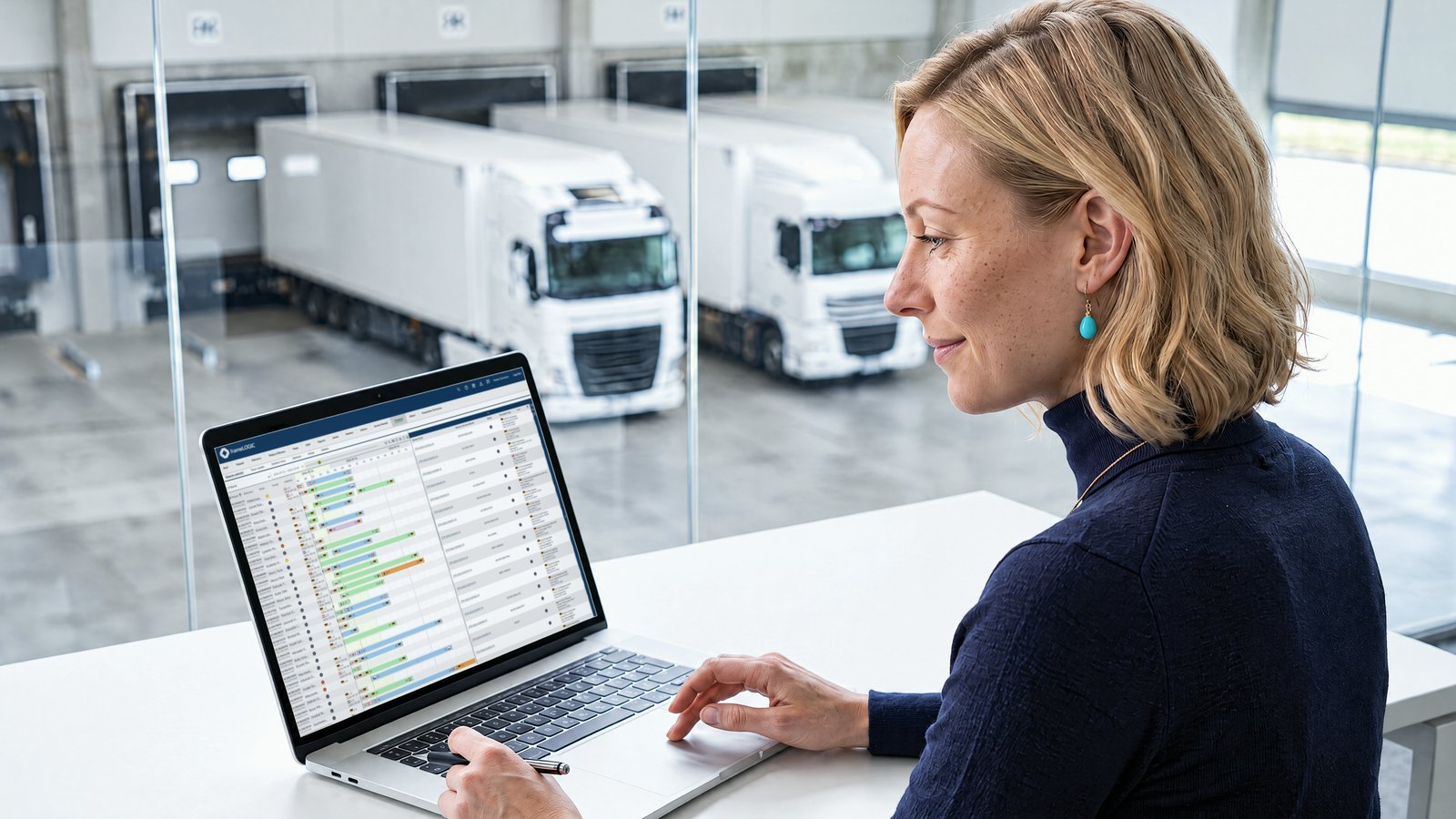
Orders from e-mail, PDF or scan land in the system without retyping.
- E-mails, PDFs and scansAI Order Input reads orders from e-mail and PDF, and orders also arrive automatically via API, from Transporeon and E-lis.
- The dispatcher decidesThe system creates the order with the status “ready to review”. The dispatcher approves every order before execution.
- Straight into the order bookThe approved order lands in the order book with all its data, ready to plan.
One planner for every resource: drivers, trucks and trailers.
You assign vehicles and drivers to orders by dragging them onto the diagram. The system leaves out drivers with no working time left and vehicles in for service, so the plan can be carried out. Next to each route you see the country and the cabotage limit.
Every stage of the order, covered
-
Subcontractors
If you can't cover an order with your own vehicle, you pass it to an external carrier from the same plan.
-
Driver app
The driver gets the route on a phone or terminal, confirms loading, photographs the CMR and sends it to the office straight away.
-
Trip settlement
What you earn on a trip: freight minus fuel, tolls, per diems and empty kilometres. For every order, customer and driver.
-
Invoicing
The invoice is raised from the completed order, also as a collective or periodic invoice, and goes straight to the customer.
-
Damage and handover protocols
The driver reports damage with photos in the app, and you attach the handover protocol to the order.
-
Route corridors
You send the exact route from the office straight to the driver's terminal and know at once when the vehicle leaves it.
TMS software: common questions
- 01
What does a transport management system actually do?
It moves the order-to-invoice process into one web application: order book, planning on an interactive timeline, driver communication, and settlement. frameLOGIC TMS draws base data from the FMS, so it complements your fleet management records instead of duplicating them.
- 02
How does the TMS reduce empty runs?
A built-in search finds vehicles for return legs, so dispatchers cover backhauls from inside the system instead of ringing around. Empty kilometres drop to a minimum, and the route card shows the effect on per-trip profitability.
- 03
Does the TMS support Mobility Package driver pay?
Yes. The system helps calculate driver pay quickly according to the assumptions of the Mobility Package, using the working-time data already recorded in the platform.
- 04
What do drivers see in the mobile app?
Routes received on the terminal, progress reporting for the current order, document upload from the cab, and dedicated scenarios matched to your procedures. Dispatchers and drivers communicate both ways inside the same system.
More questions Fewer questions
- 05
What is the difference between an FMS and a TMS?
An FMS (fleet management system) controls the vehicles: monitoring, drivers, and operating costs. A TMS (transport management system) moves the transport process itself into one system: order planning, execution, invoicing and compliance. frameLOGIC runs both on a single platform, so order data and vehicle data reconcile without exports. See fleet management for the FMS side.
- 06
Does frameLOGIC integrate with ERP and forwarding systems?
Yes. The platform integrates with forwarding and ERP systems, so orders and status updates flow between frameLOGIC and your existing business tools instead of being retyped.
- 07
How does the platform actually reduce transport costs?
Three ways in practice: automated route planning cuts empty runs, fuel management registers every refuelling and consumption reading from CAN data and probes, and freight profitability analysis shows which orders carry the margin, so pricing and dispatch decisions stop being guesses.